
How to download the 1xBet APK without trusting a random mirror
For a 1xBet APK download, start from the current 1xBet publisher mobile page and use its Android button. Do not replace that route with a search-result mirror, a messenger attachment, a MOD build, or a renamed file. Before you open the download, check the displayed domain, wait for the APK to finish, and stop if Android or Play Protect shows a warning you cannot explain.
These checks reduce avoidable mistakes, but none is a guarantee. A padlock protects the connection to the domain on screen; it does not certify the file. Android’s install window shows that the phone can hand the package to its installer; it does not endorse the app.
Choose the 1xBet source before you download
An APK is an Android installation package. It is not an iPhone file, and changing its name does not make it suitable for another platform. Availability can also differ by region and release, so the useful starting point is the current mobile page shown by the publisher, not an old screenshot or a third-party tutorial.
| Route | Decision | Why |
|---|---|---|
| Current publisher mobile page | Use, then verify what appears on screen | It keeps the download tied to the route you deliberately chose. |
| Verified store listing opened from that page | Use if it is available in your region | The platform store manages that installation channel. |
| Search-result mirror or download directory | Avoid | You cannot tell whether its copy matches the package currently offered by the publisher. |
| Chat attachment, MOD, cracked build, or repost | Stop | The package has already left the route you intended to verify. |
| Mobile website | Use as the no-install fallback | It lets you access the web route without opening a local APK. |
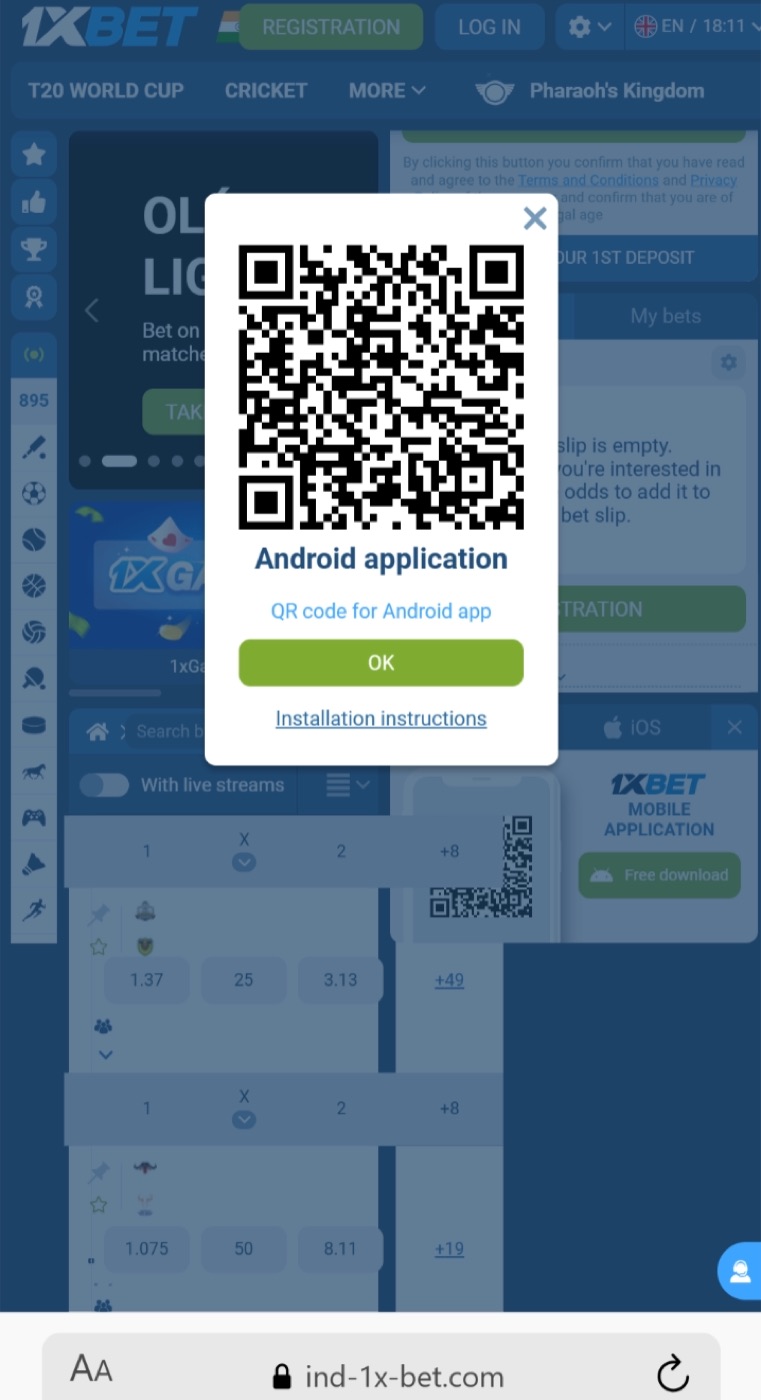
Use the publisher mobile page to get the 1xbet apk, then check the final domain before downloading. A familiar name or logo does not certify the file; the checks on your own screen still matter.
Know what each signal proves
Read each signal narrowly. If the address changes before the download starts, check the final host before opening the file or entering account details.
- Displayed domain: tells you which host the browser is showing. It does not, by itself, prove that the host is the publisher you intended to reach.
- HTTPS padlock: means the connection to that displayed host is encrypted. It does not scan the APK or prove who prepared it.
- APK extension: identifies an Android package type. It does not show whether the download is complete, compatible, current, or harmless.
- Android install prompt: asks for your consent before installation. It is a handoff to the package installer, not a recommendation.
- Play Protect result: is a device-security signal worth reading. A warning is a reason to stop, not an instruction to disable protection.
A checksum would only help if the publisher supplied a current trusted reference for comparison. Do not invent a hash-check step when no such reference is displayed.
Download one clean 1xBet APK
Clear away incomplete copies before starting. If the browser creates several files with similar names, it becomes easy to open yesterday’s copy or a partial transfer by mistake.
- Check Android Settings for enough free storage; there is no need to guess a fixed number of megabytes.
- Open the checked mobile page in the browser you plan to use.
- Tap its Android download action and keep the route in the same browser session.
- Wait until the browser marks the transfer as complete.
- Open Downloads and confirm that the completed item is an APK, not an archive, script, desktop installer, or unfinished temporary file.
- After one clean retry from the same page, use the mobile website instead of collecting files from other sources.
During the 1xbet apk download, keep the same browser tab open until the transfer finishes. If the button sends you to an unrelated host or a different file type, stop rather than assume every region uses the same package.
Do not rename a ZIP, BIN, EXE, or temporary file to APK and try to run it. A changed extension does not convert the contents. Return to the same publisher page and make one fresh download only if the first transfer was incomplete.
Allow only the browser or file manager named by Android
On current Android versions, the permission to install an app from outside Google Play is normally tied to the browser or file manager that opens the APK. For example, a browser may download the file, but the Files app may be the source that actually opens it. Menu wording and locations can vary by phone maker.
- Tap the completed APK from the download notification or Downloads folder.
- Read the source named in Android’s prompt.
- If it is the browser or file manager you deliberately used, open the setting Android offers.
- Allow that source, return to the same file, and tap it again.
- Review the 1xBet package-installer screen and choose Install only if no warning remains.
- After installation, review that source permission again if you do not want it left enabled.
Older Android versions used a broader Unknown sources setting. That legacy path should not be treated as the default for a current phone. Follow the operating system prompt you actually see.
Stop when the route or package changes
Stop the current download and use the mobile website when any of these appears:
- The final address is an unfamiliar domain that you did not choose. Close the tab and return to the route you already verified.
- The page sends an archive, desktop installer, script, profile, or second downloader instead of an APK. Delete it without opening it.
- The package is described as modified, cracked, unlocked, or MOD. Do not install it.
- Play Protect or Android shows a security warning. Cancel and leave the protection setting on.
- The browser shows a certificate error or loses HTTPS. Leave the page and do not enter credentials.
Permission needs can vary with the package and feature used. Review each request under Android Settings for the app and deny any capability you do not want to grant.
Read the installer result, not a guessed cause
Android can reject a package for several different reasons. The same short message may cover more than one cause, so preserve its wording and avoid jumping straight to an uninstall.
| Result on screen | What it can mean | Safe response |
|---|---|---|
| Installation blocked | The source lacks permission, device policy blocks it, or a security check needs attention. | Follow the Android prompt for the named source. Stop if a warning appears. |
| App not installed | A conflict, invalid package, incompatibility, or storage problem is possible. | Keep the error, check storage and source consistency, then use mobile web. |
| Package invalid or parse error | The file may be incomplete, damaged, or unsuitable for this device. | Delete that copy and retry once from the same route after confirming completion. |
| Not enough storage | Android cannot complete the operation with the space available. | Free space through Android settings, then retry once. |
| Package incompatible | The current device configuration cannot install it. | Use the mobile website and do not look for a supposedly universal APK. |
| Conflict during update | The installed app and the new package may not be accepted as one upgrade path. | Do not collect more files. Record the message and check the publisher page used for the download. |
Uninstalling can remove local app data, sign-in state, and settings. Treat it as a last resort after you can recover the account and have confirmed the package source; a reinstall may not preserve local settings.
If this 1xBet download will replace an installed APK
Use the same publisher page and keep the installed app in place for the first attempt. Android will either offer Install or Update, or show an error that you can record. Do not call the file the latest version unless a live version and date were checked.
If Android reports a conflict, use the 1xBet mobile website while you confirm the package source. Uninstall only after you can recover the account and accept the local-data risk. App Store apps and Safari icons use their own Apple or web update methods, not an Android APK.
Use mobile web when a check remains uncertain
If the domain changed, the download stayed incomplete, the installer warned, or the device rejected the package, the 1xBet mobile website is the sensible fallback. It avoids a local installation while you verify the current method or ask for help.
- Save the phone model and Android version.
- Record the route used and the time of the attempt.
- Keep the exact installer or Play Protect wording.
- Note whether the mobile website opens on the same connection.
- List only the safe steps already tried; never send passwords or recovery codes.
If you cannot explain a warning, keep using the checked mobile page and send the saved error details through its support option.